
The time is set according to the smartphone's time zone. If the smartphone is correctly configured, so is the module.
If daylight saving time has not been taken into account, simply log back in, go to the advanced settings and the synchronization will be automatically performed with the new time.
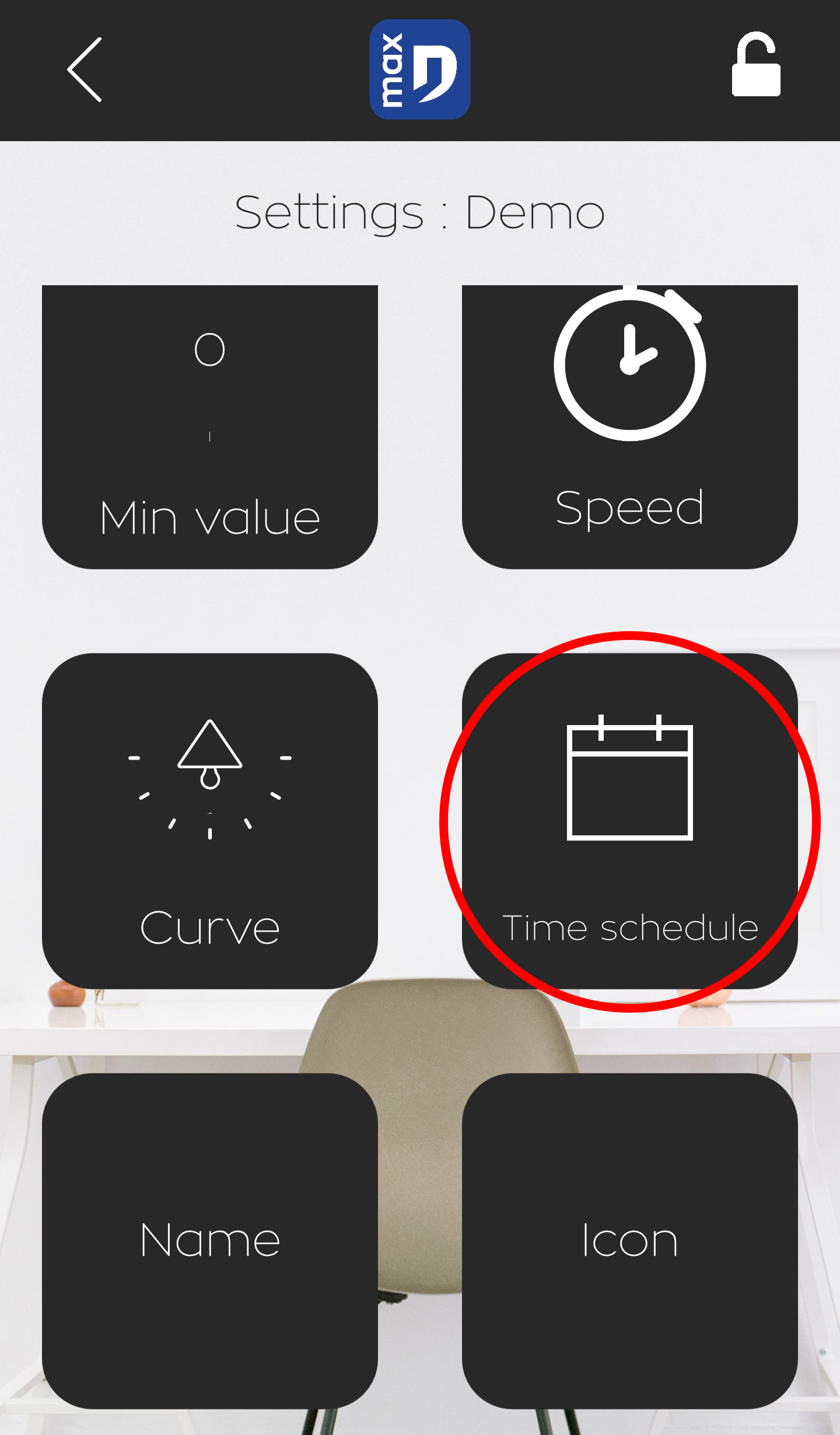
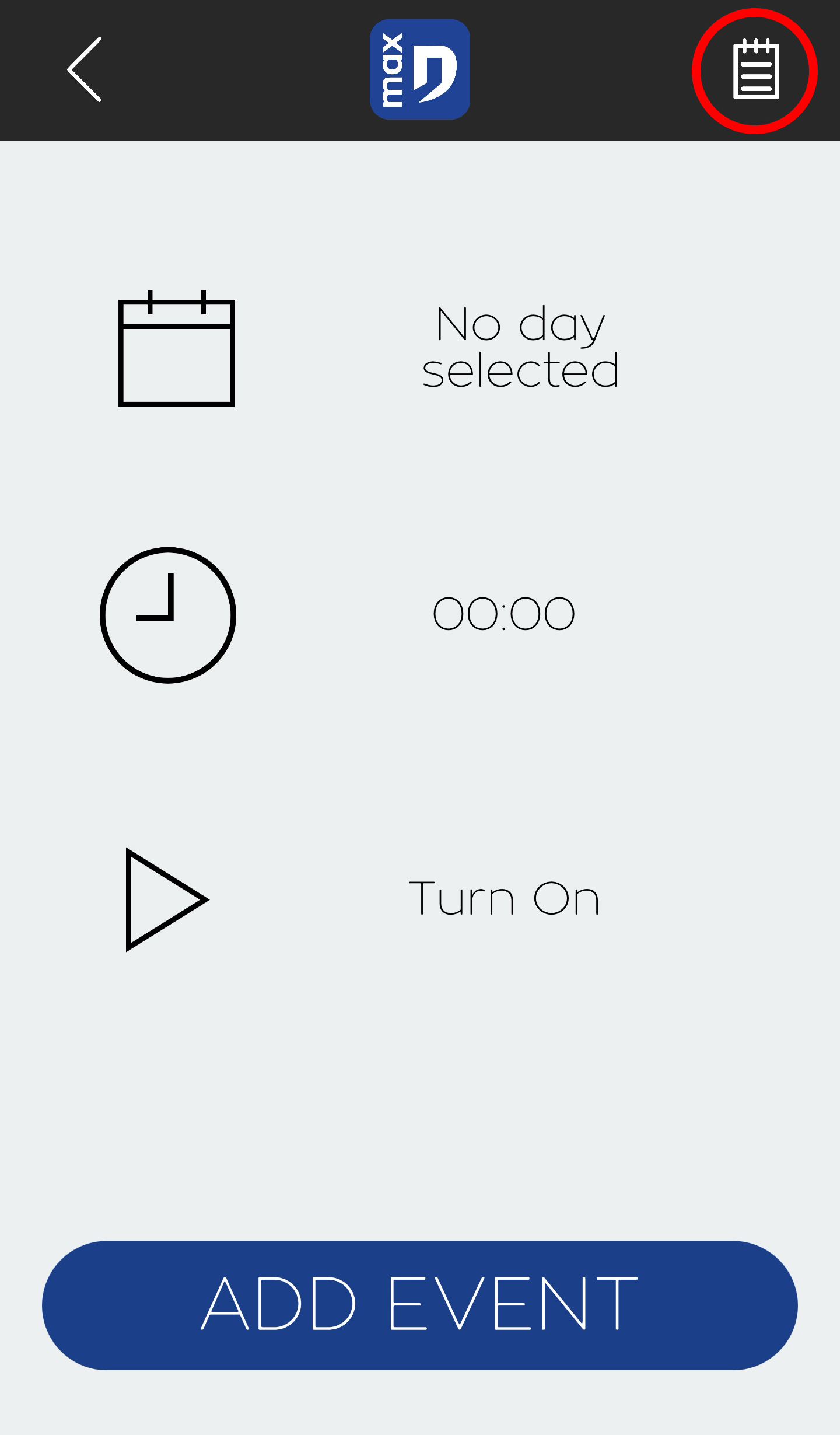
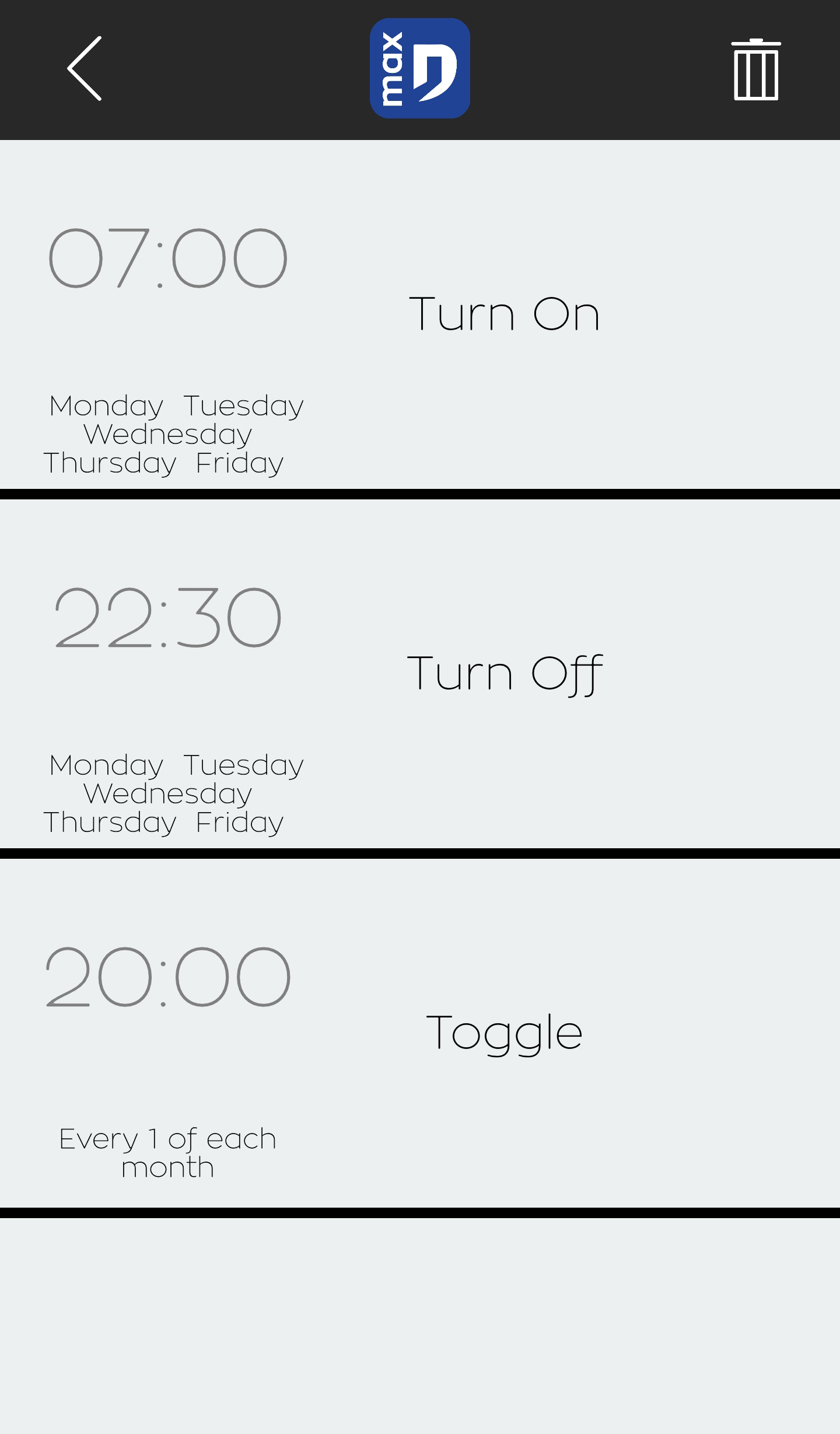
3 event types are available: daily, monthly and yearly. Users can add up to 24 mixed events.
Daily events can be configured with a filter for specific days when the event should not be executed.
Note that if a power failure occurs, you need to reconnect to resynchronize the events so that they can be executed correctly.
The list of events is available in the event creation screen via the "calendar" button in the top right-hand corner.
The list of events is available in the events creation screen via the "calendar" button in the top-right corner.
During power failures, the majority of parameters are stored in the internal memory of each module. On restart, the module is ready for operation, but all clock-related events are deactivated, as the clock is no longer up to date.
The modules have no way of keeping their clock in the event of a power failure (no battery in the module).