The application language depends on the device language.
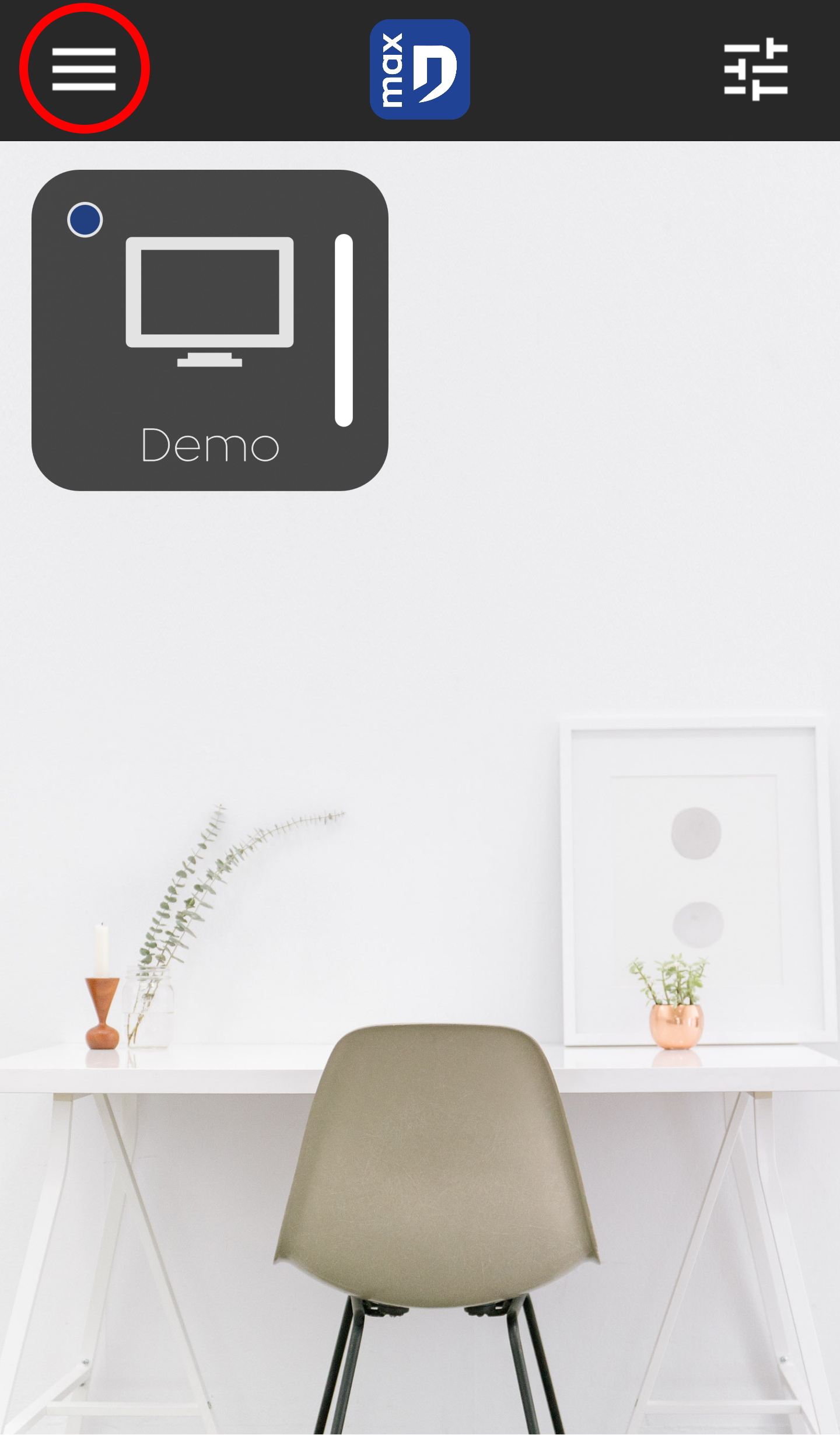
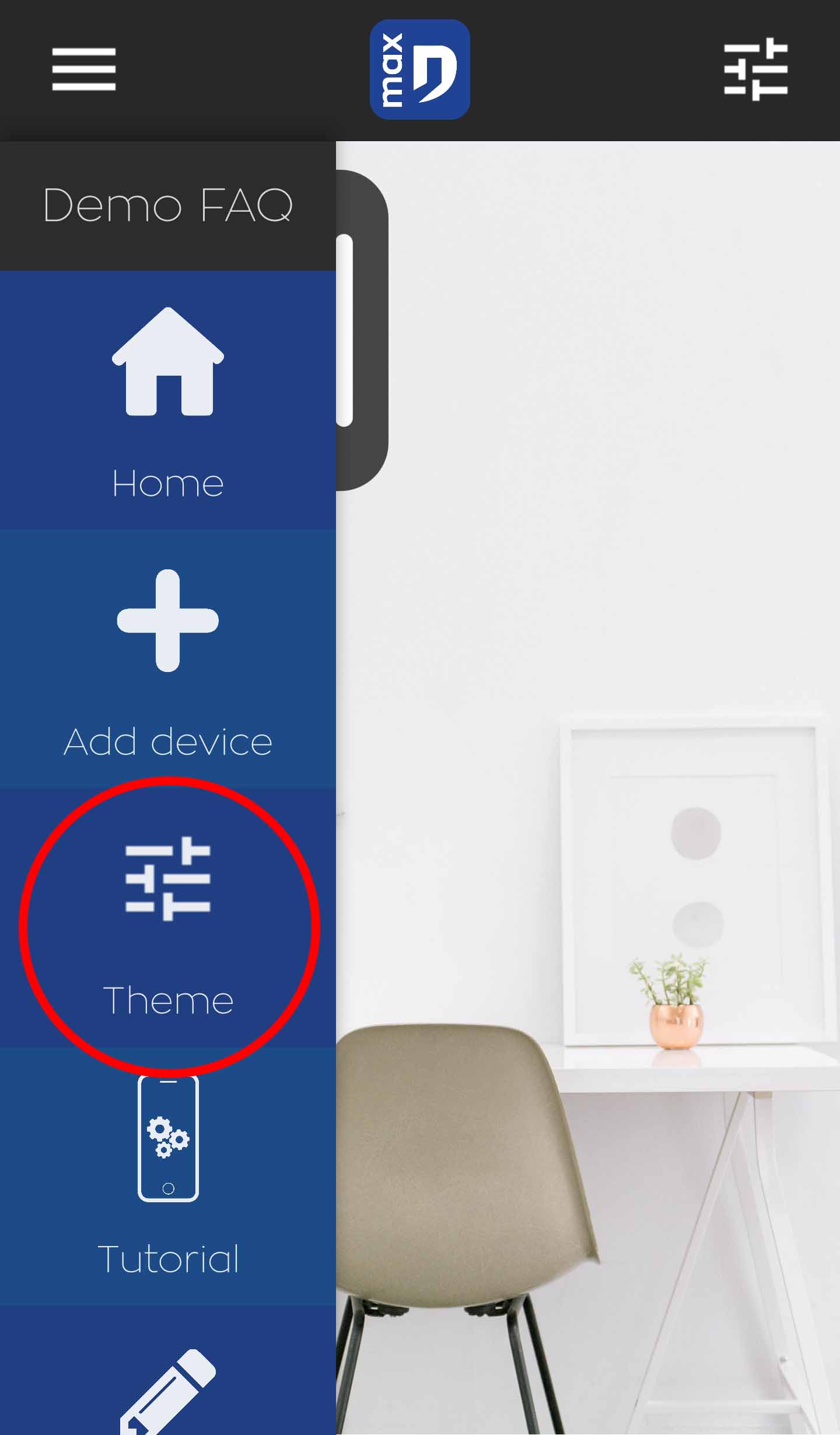
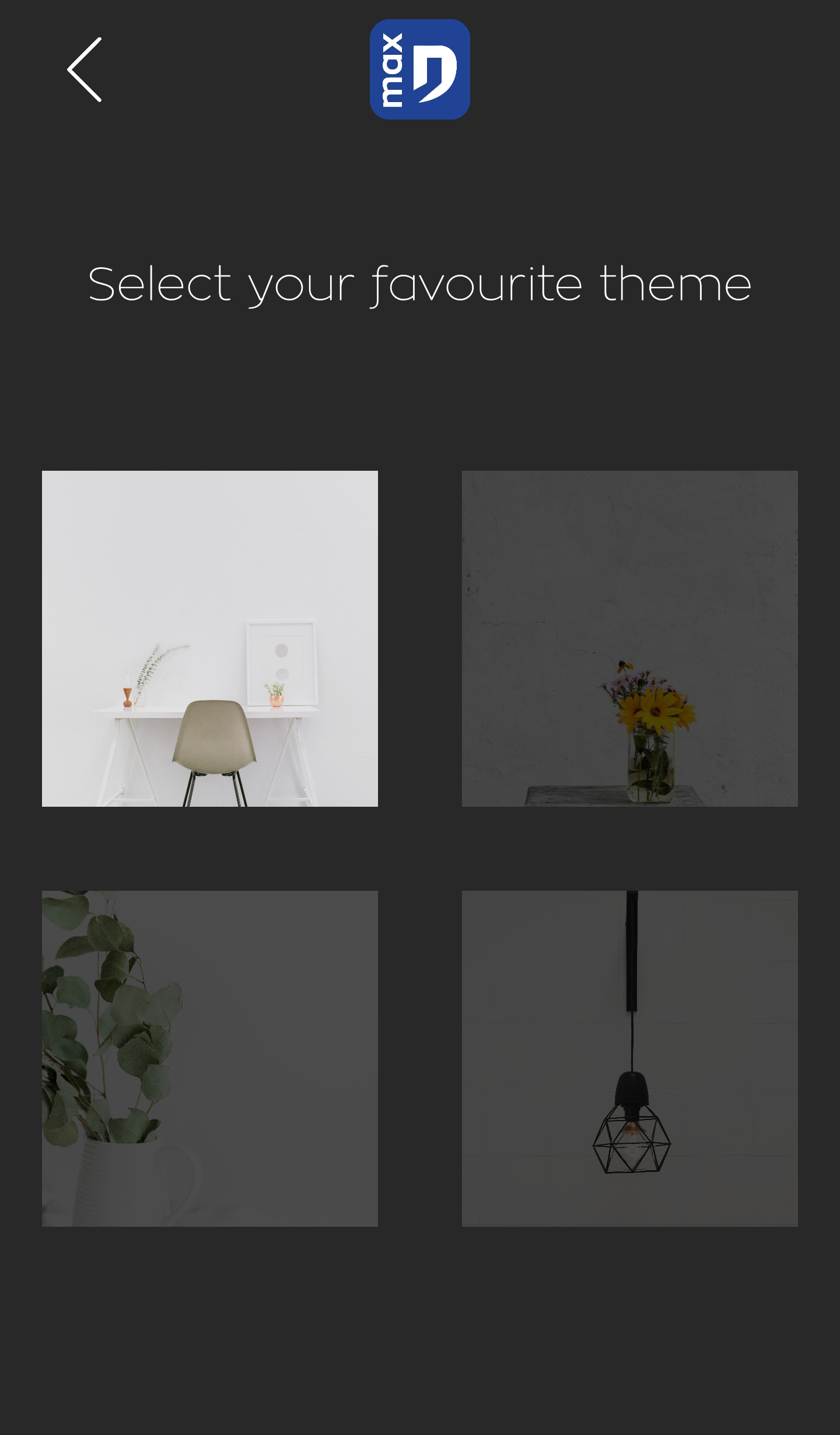
To change theme, open the menu at the top left of your screen and select "Theme". You'll then be able to choose the theme you want from a selection.
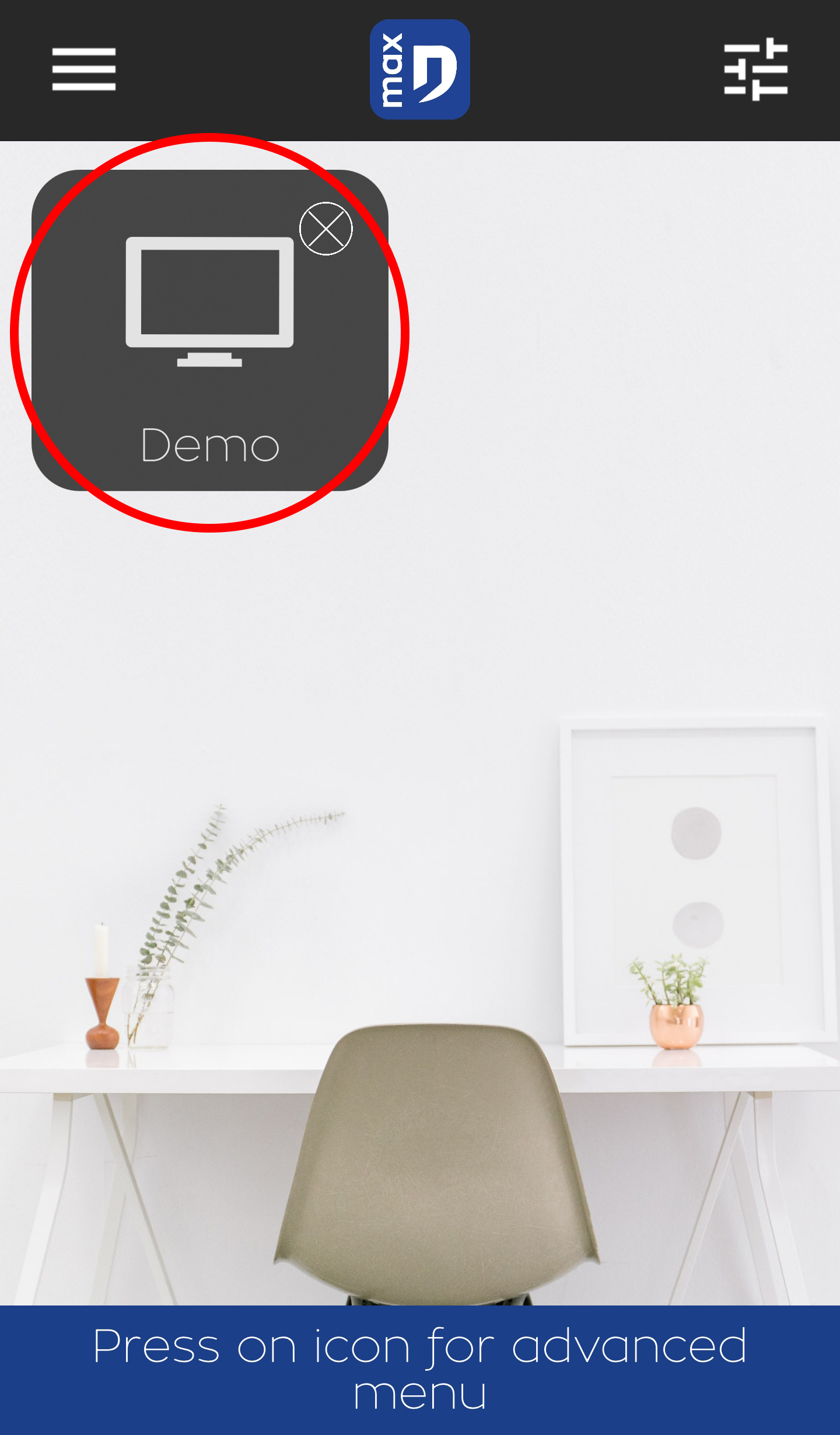
To access a module's advanced settings, touch the settings icon at the top right of your screen. As soon as the modules are waving, you can touch the icon of the module you wish to configure and enter its advanced settings. You can only access these settings when the module in question is connected: configuration cannot be carried out offline.
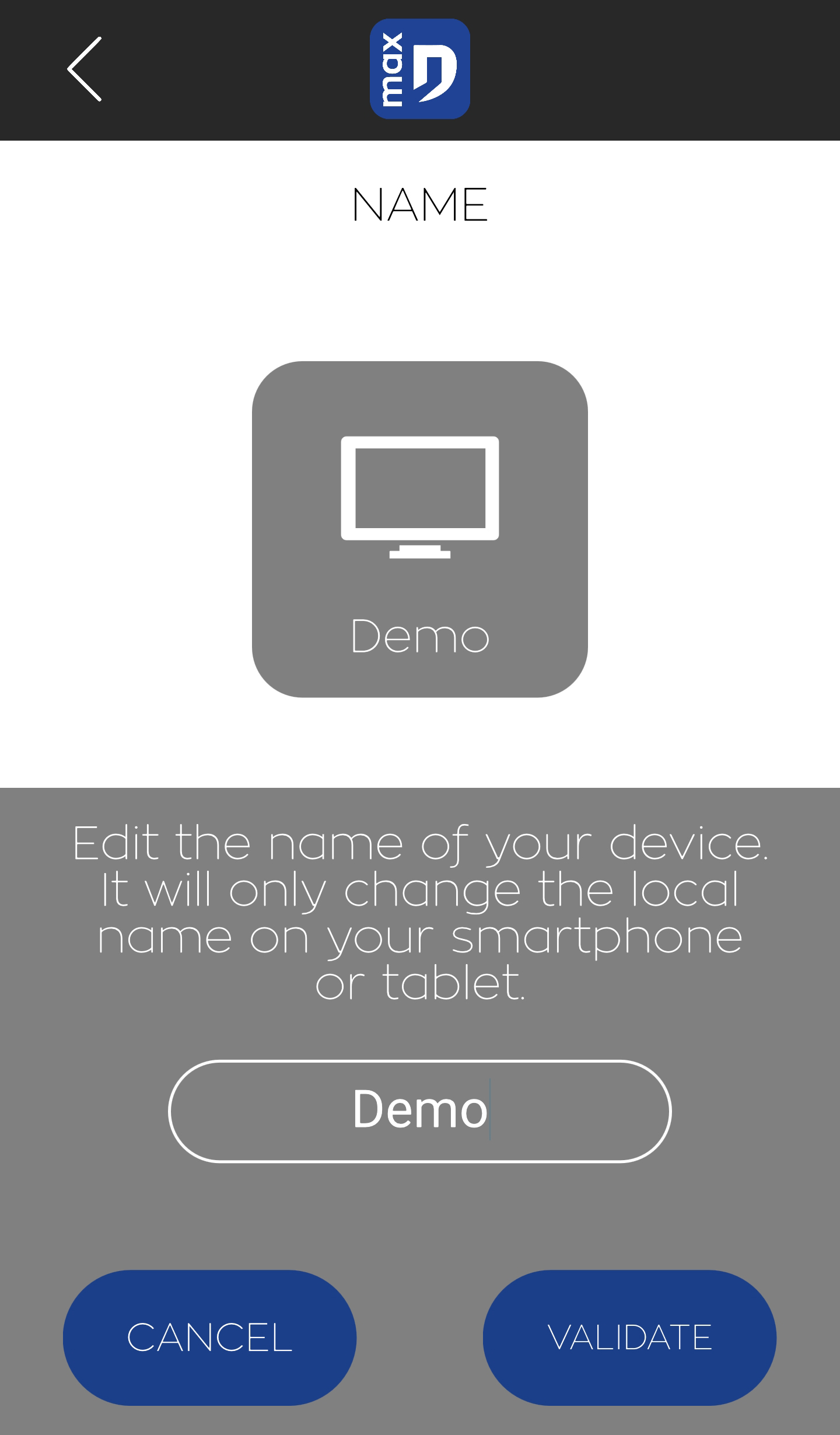
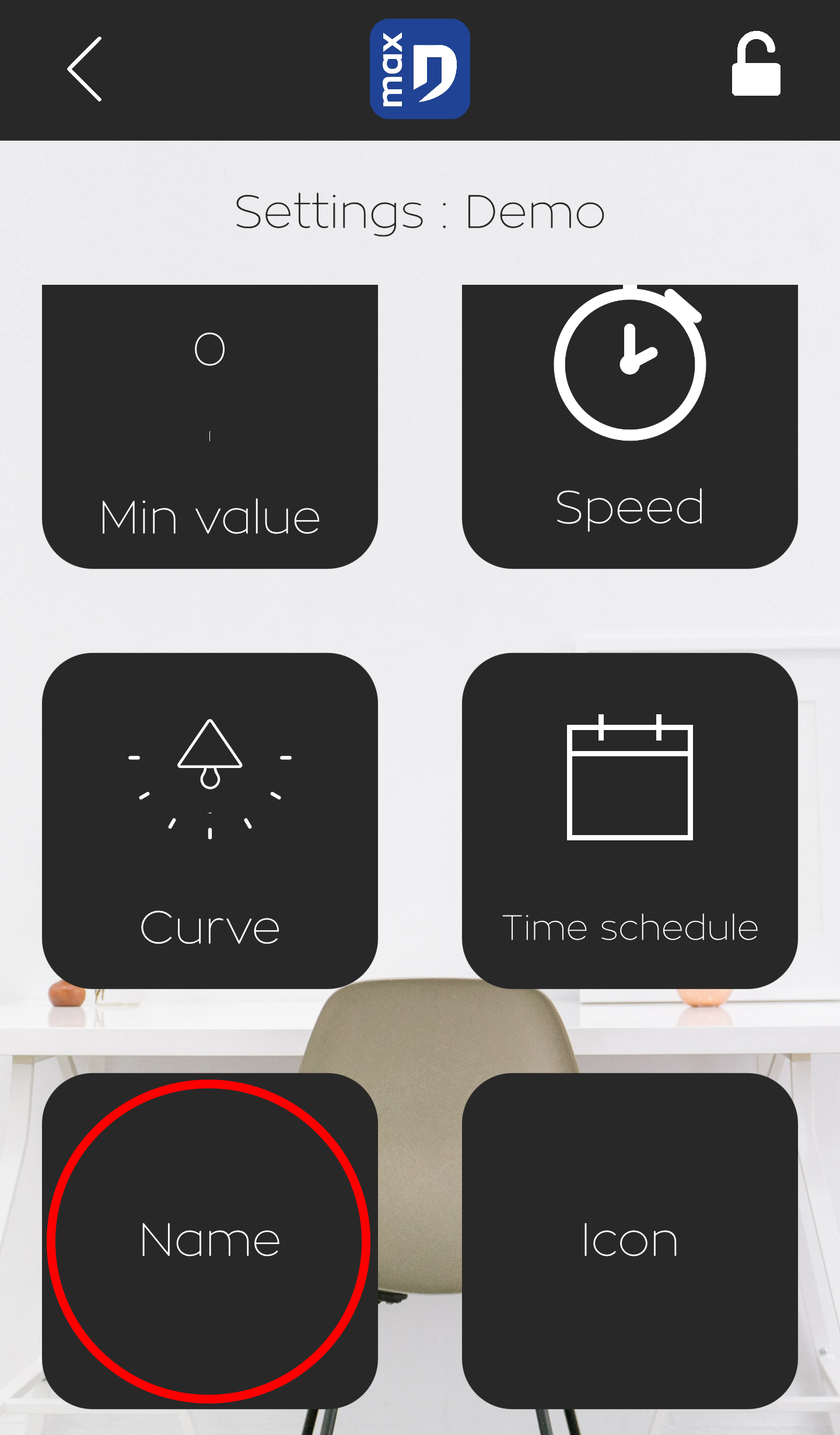
The advanced settings also allow you to change the name and icon of the
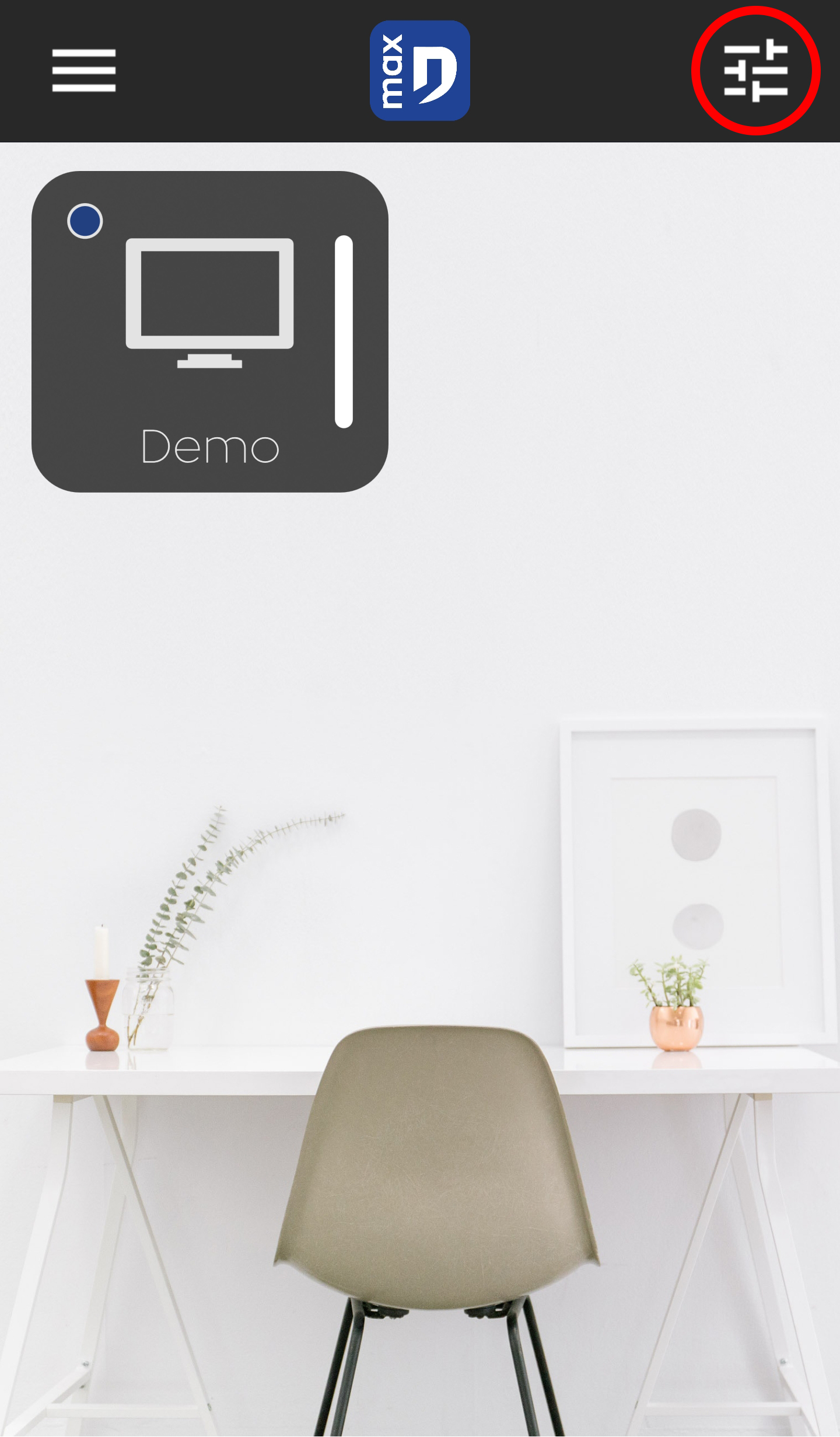
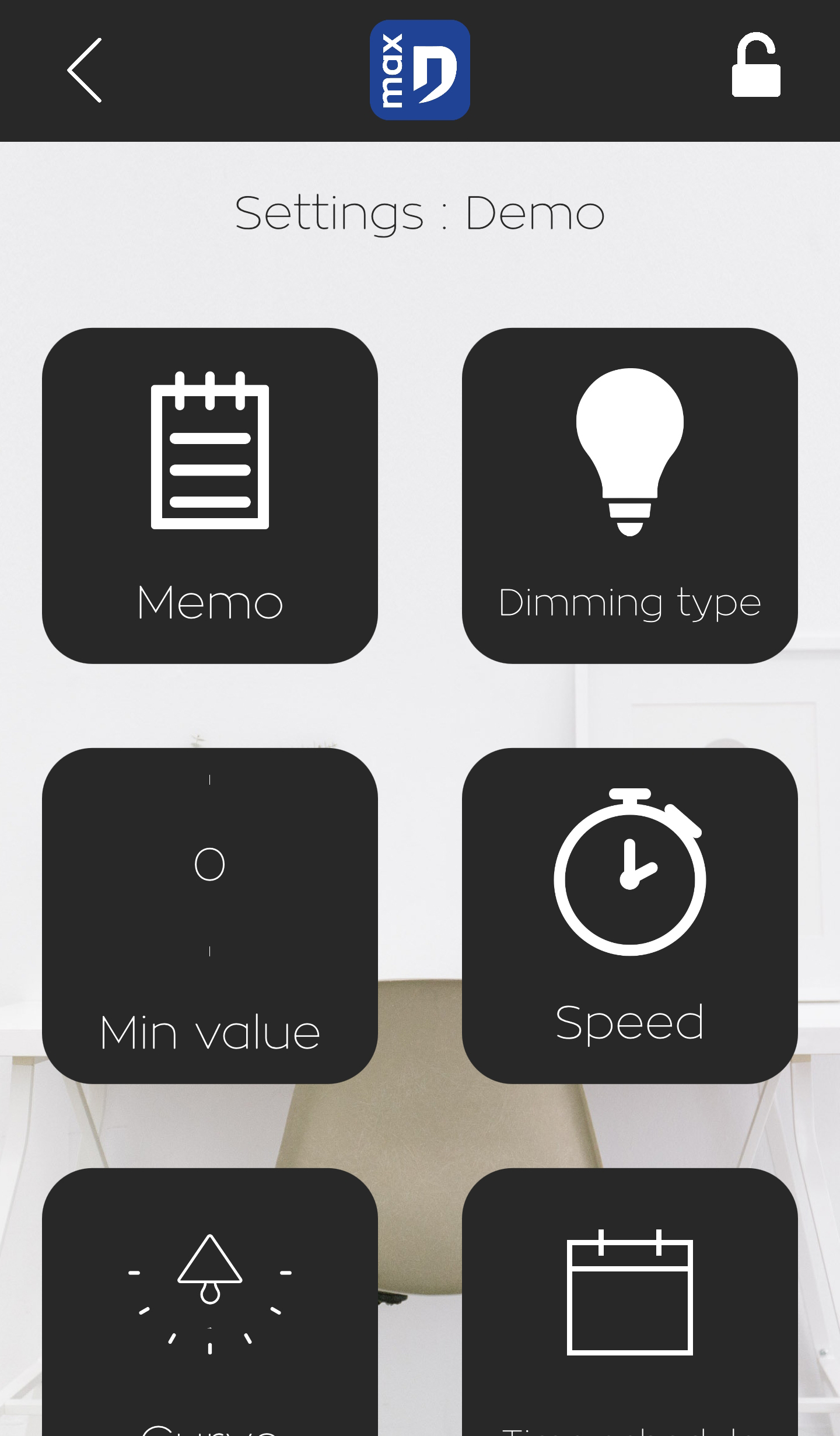
In the advanced settings, simply click on the icon or name of your module to change its parameters.
Each smartphone can choose a unique name or icon. These changes are only active locally.
Modules cannot be moved. To arrange the main screen to your liking, delete each module and add them in the desired order.
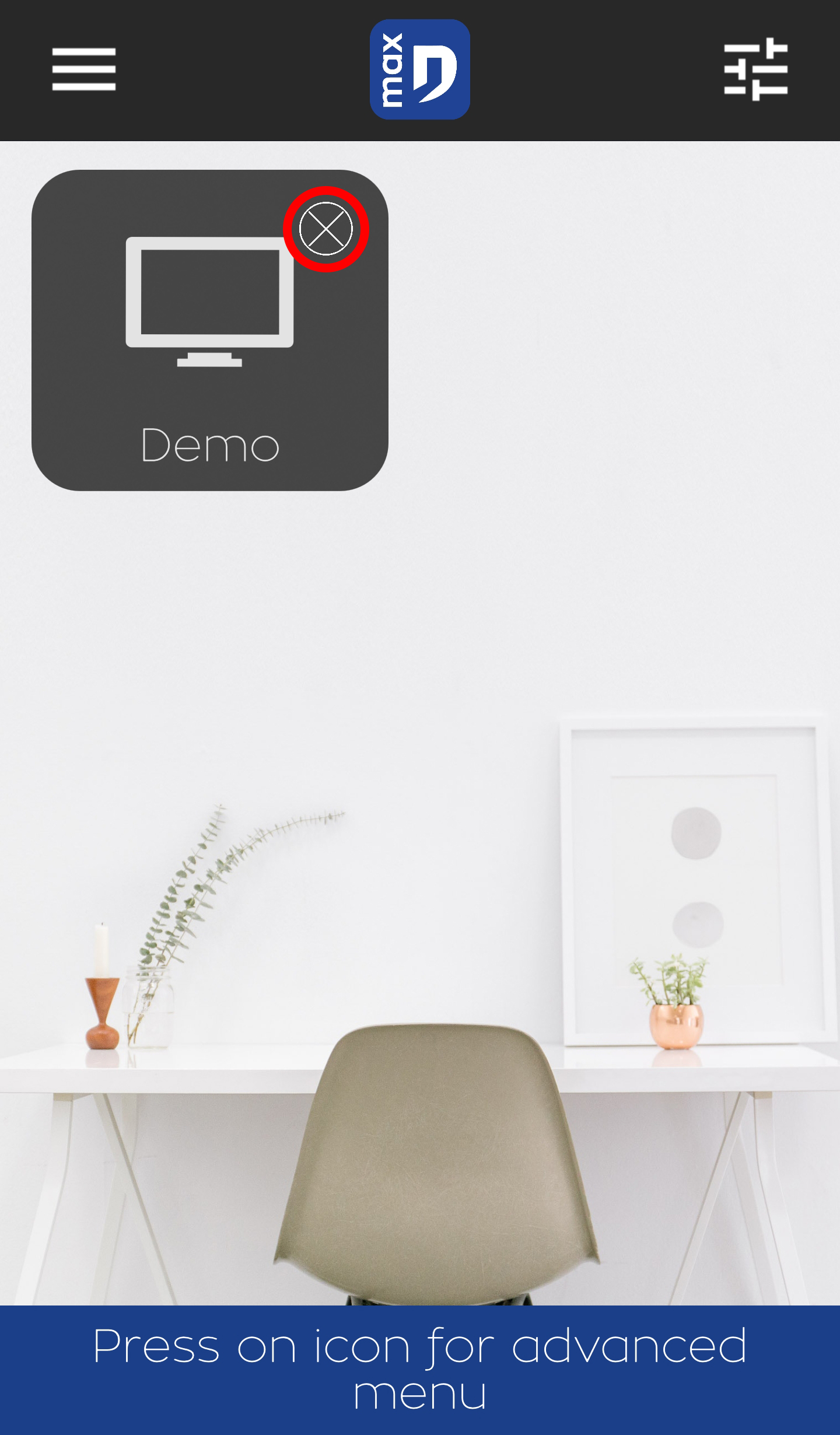
To delete a module, press the settings icon until a cross appears above the modules. Pressing the cross removes a module from your main screen.
This deletion does not remove the user from the user list.
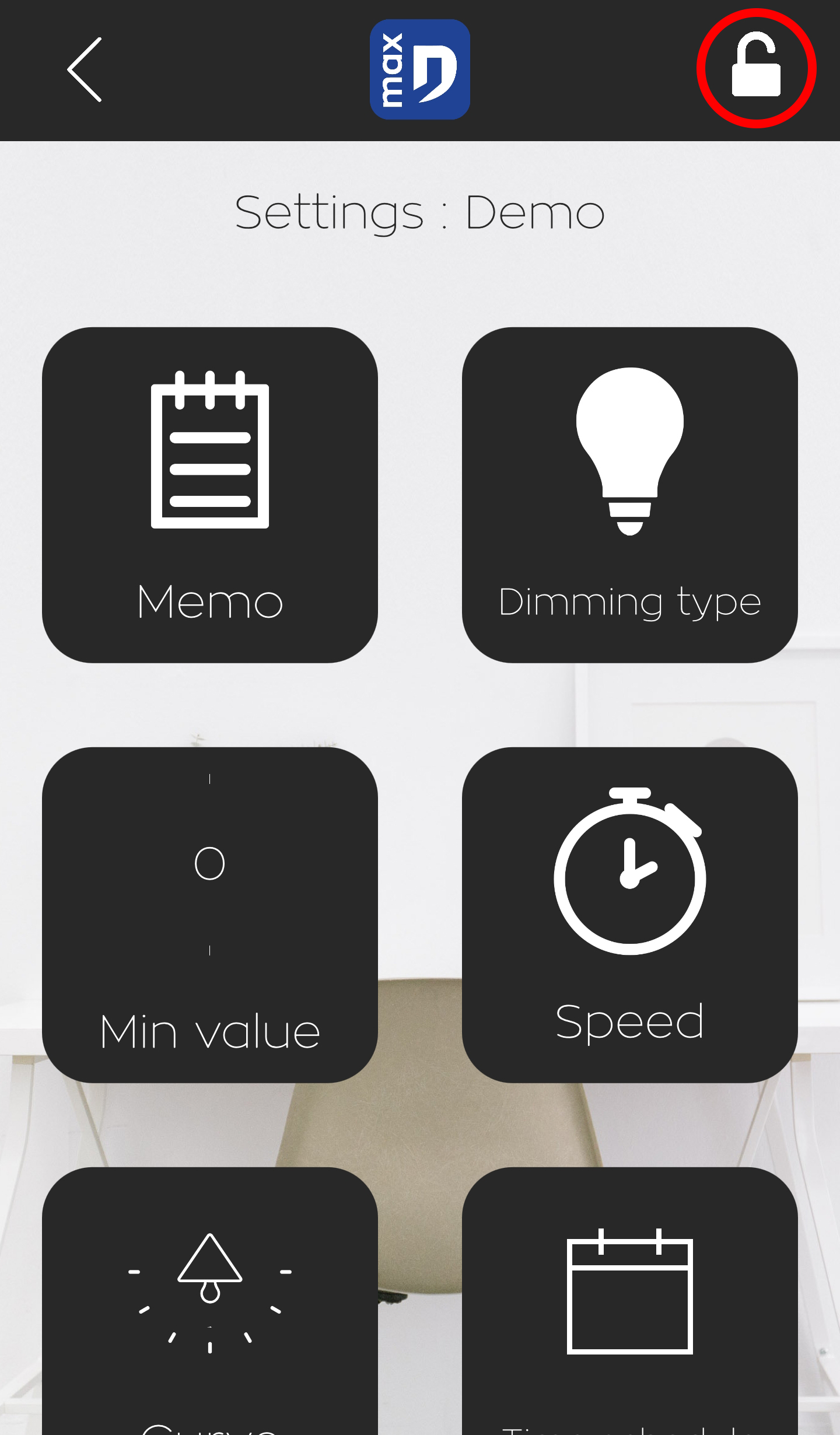
In a module's advanced settings, press the padlock in the top right-hand corner. You can then delete another user or yourself. Please note that if a user is deleted, you will have to repeat the authentication procedure.
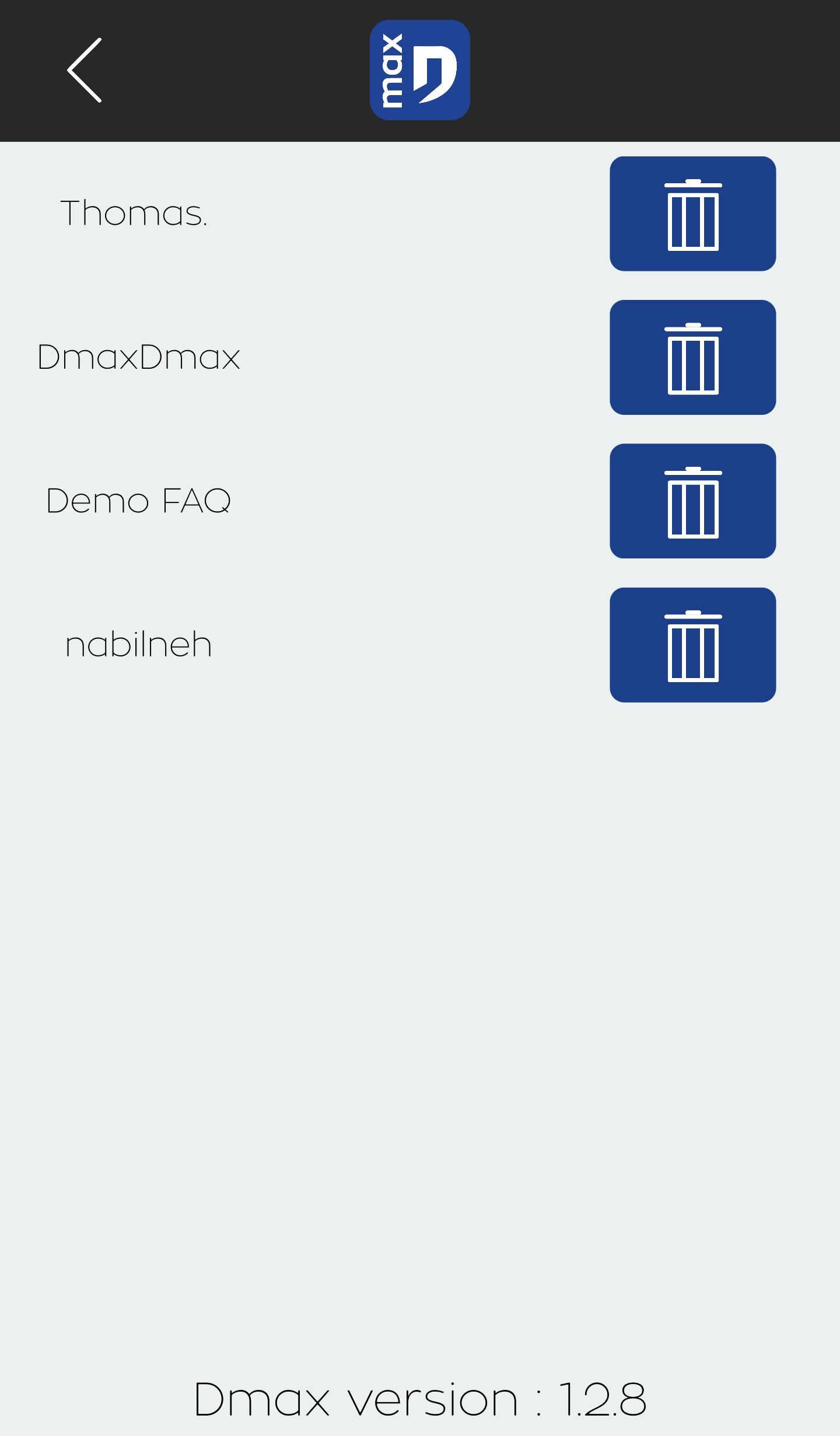
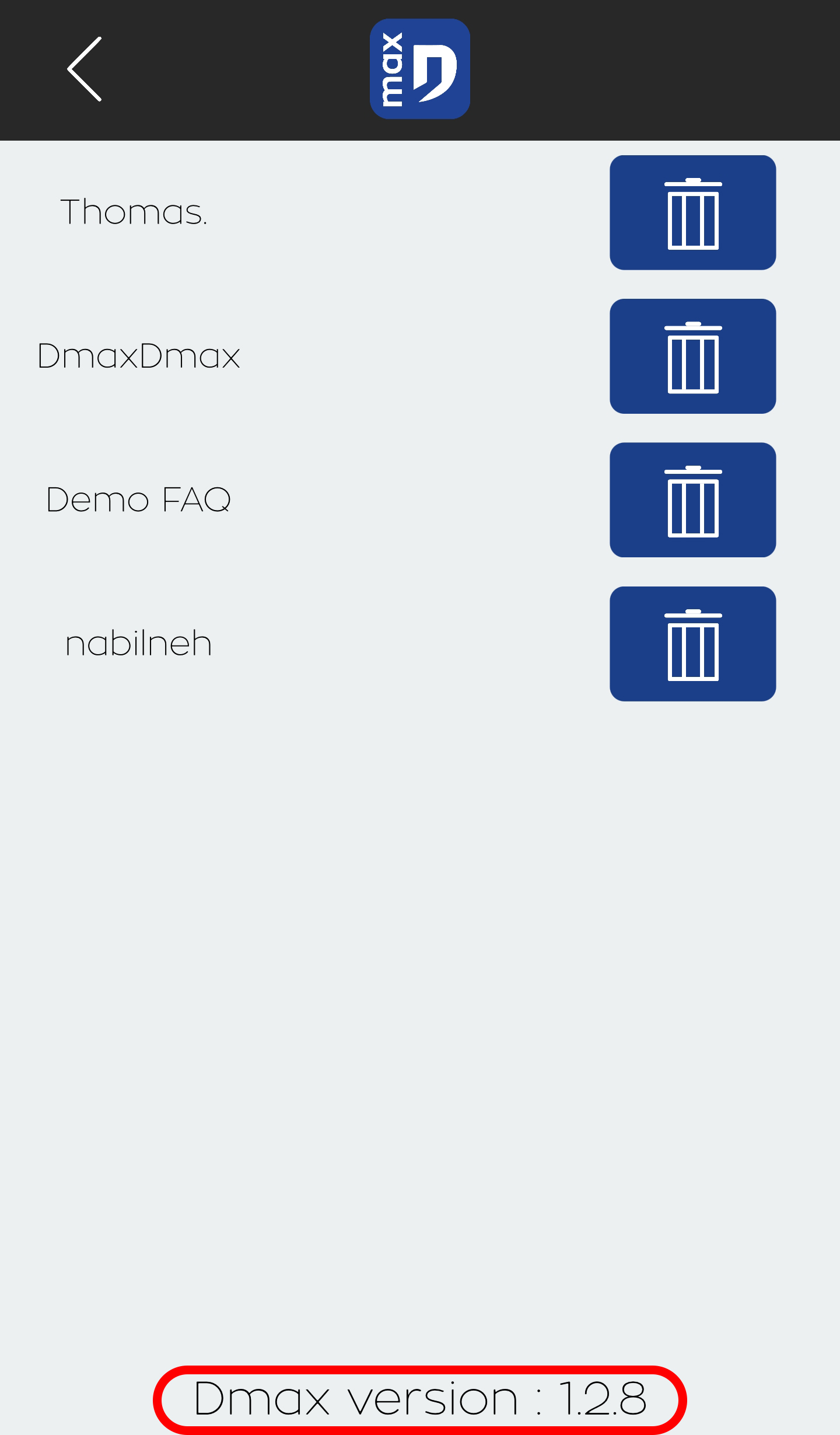
The version number is at the bottom of the user list. If the version is 0.0.0, the module is not properly authenticated.